

Department of Physics
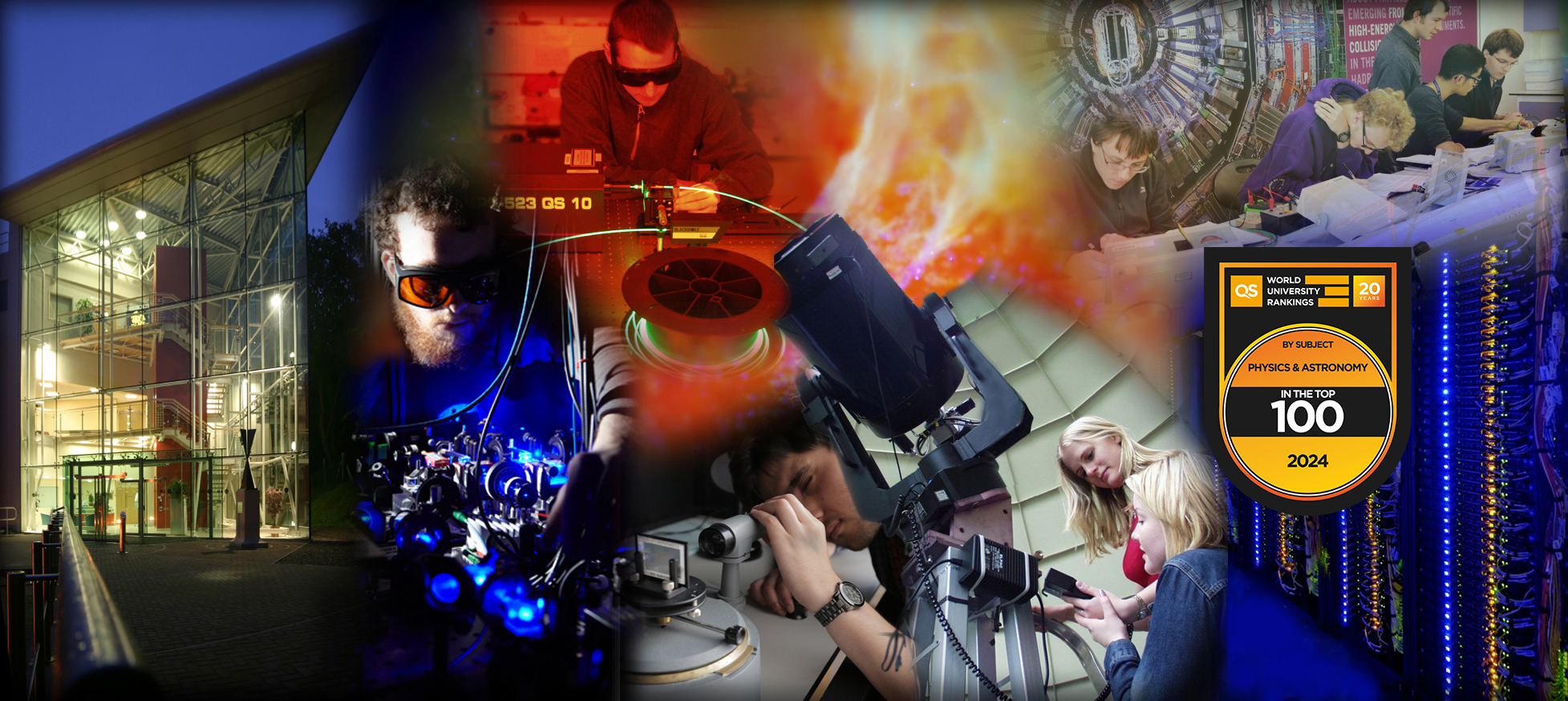

Welcome to the Department of Physics at Durham
The Physics Department is a thriving centre for research and education.
We are proud that our Department closely aligns the teaching and learning experience for its students with the research-intensive values and practices of the University. Research-led teaching is embedded at all levels from first year laboratory reports to our final year MSci flagship individual research projects.
The Department incorporates the Ogden Centre for Fundamental Physics, is home to the Institute for Particle Physics Phenomenology and the Institute for Computational Cosmology. The Ogden Centre is also the base for our innovative outreach programme for school children and their teachers.



/prod01/prodbucket01/media/durham-university/research-/doctoral-training-centres/durham-global-challenges-centre/86240.jpg)
Just got your grades?
We look forward to welcoming you to Physics. Find out what to do next below.
What's new?
-
Scientists discover unexpected twist in cosmic wind speeds
An international team of scientists, led by Professor Chris Done of our Physics Department, has made a surprising discovery about powerful winds blasting from around a neutron star.Global research/prod01/prodbucket01/media/durham-university/central-news-and-events-images/news/Black-hole-wind-web-pic.png)
-
IPPP marks 25 years of world-leading particle physics research
Our Institute for Particle Physics Phenomenology (IPPP) will celebrate its 25th anniversary on 24-25 September, recognising a quarter-century of innovative research, global collaboration, and academic excellence.Research news/prod01/prodbucket01/media/durham-university/central-news-and-events-images/news/IPPP-team-WEB.png)
-
Scientists help power world’s largest fusion energy project
Scientists from our top-rated Physics department have played a crucial role in verifying the quality of specialist materials destined for the magnets of ITER.Research news/prod01/prodbucket01/media/durham-university/central-news-and-events-images/news/Prof-Hampshire-Dr-Raine-WEB.png)
-
Simulations solve centuries-old cosmic puzzle – and reveal new class of ancient star systems
Astronomers have solved a centuries-old puzzle surrounding one of the Universe’s oldest and densest star systems.Global research/prod01/prodbucket01/media/durham-university/central-news-and-events-images/news/Globular-clusters---Web-.jpg)
-
DESI team wins prestigious 2026 Berkeley Prize
The Dark Energy Spectroscopic Instrument (DESI) collaboration has been awarded the 2026 Lancelot M. Berkeley–New York Community Trust Prize for Meritorious Work in Astronomy.Global research/prod01/prodbucket01/media/durham-university/central-news-and-events-images/news/DESI-Y3P-datapoints-WEB.png)
-
Scientists challenge theory behind Jupiter’s mysterious interior
Supercomputer simulations carried out by researchers in our top-rated Physics department cast doubt on a proposed explanation for the structure of Jupiter’s core.Research news/prod01/prodbucket01/media/durham-university/central-news-and-events-images/news/Jupiter-impact-WEB.png)
-
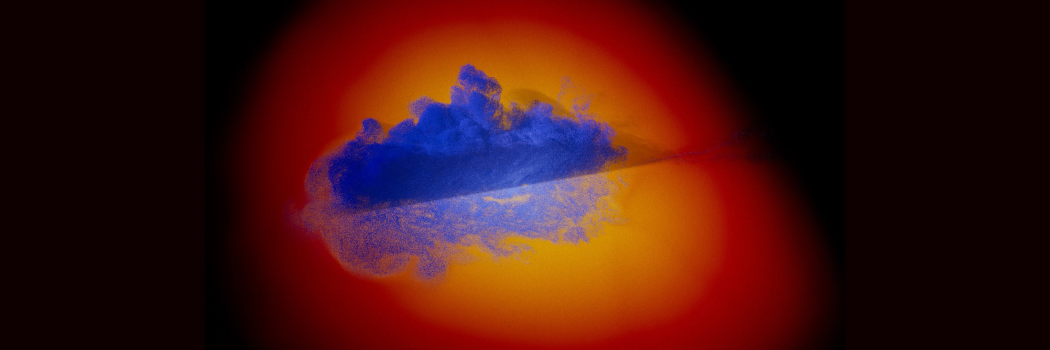
New cosmic discovery challenges galaxy formation theories
An international team of astronomers have discovered a remarkably clumpy rotating galaxy that existed just 900 million years after the Big Bang, shedding new light on how galaxies grew and evolved in the early Universe.Research news/prod01/prodbucket01/media/durham-university/central-news-and-events-images/news/Lensing-cluster-WEB.png)
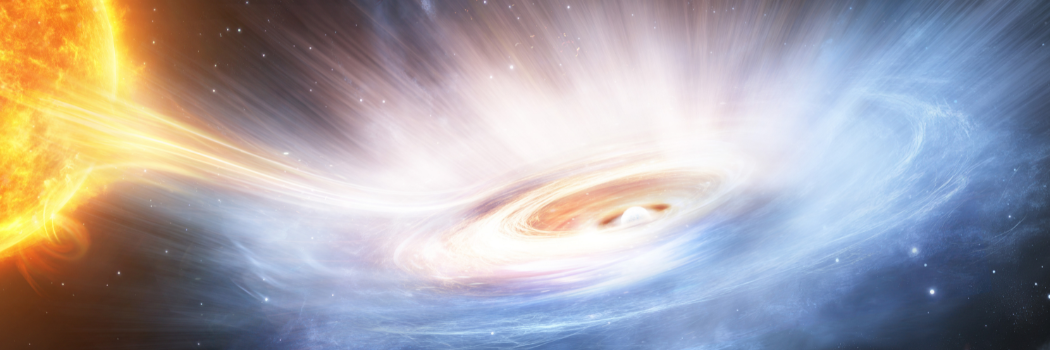
Scientists discover unexpected twist in cosmic wind speeds
An international team of scientists, led by Professor Chris Done of our Physics Department, has made a surprising discovery about powerful winds blasting from around a neutron star.
IPPP marks 25 years of world-leading particle physics research
Scientists help power world’s largest fusion energy project

Simulations solve centuries-old cosmic puzzle – and reveal new class of ancient star systems

DESI team wins prestigious 2026 Berkeley Prize

Scientists challenge theory behind Jupiter’s mysterious interior
New cosmic discovery challenges galaxy formation theories

-
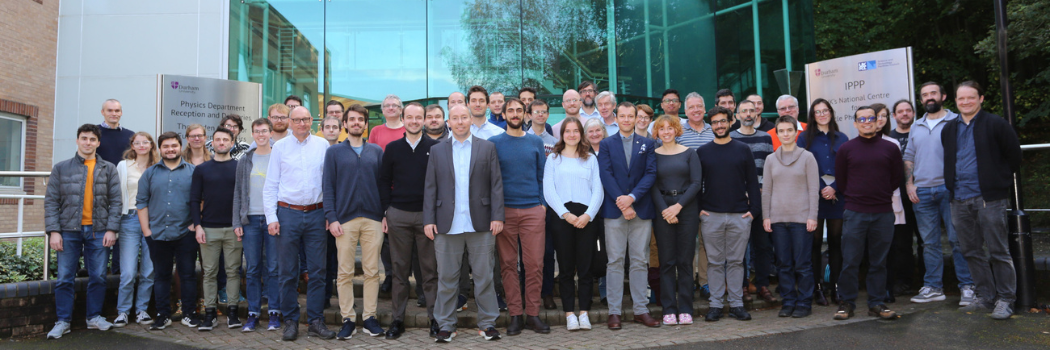
IPPP marks 25 years of world-leading particle physics research
Our Institute for Particle Physics Phenomenology (IPPP) will celebrate its 25th anniversary on 24-25 September, recognising a quarter-century of innovative research, global collaboration, and academic excellence.Research news
-
Scientists help power world’s largest fusion energy project
Scientists from our top-rated Physics department have played a crucial role in verifying the quality of specialist materials destined for the magnets of ITER.Research news
-
Scientists challenge theory behind Jupiter’s mysterious interior
Supercomputer simulations carried out by researchers in our top-rated Physics department cast doubt on a proposed explanation for the structure of Jupiter’s core.Research news
IPPP marks 25 years of world-leading particle physics research
Our Institute for Particle Physics Phenomenology (IPPP) will celebrate its 25th anniversary on 24-25 September, recognising a quarter-century of innovative research, global collaboration, and academic excellence.
Scientists help power world’s largest fusion energy project
Scientists challenge theory behind Jupiter’s mysterious interior
-
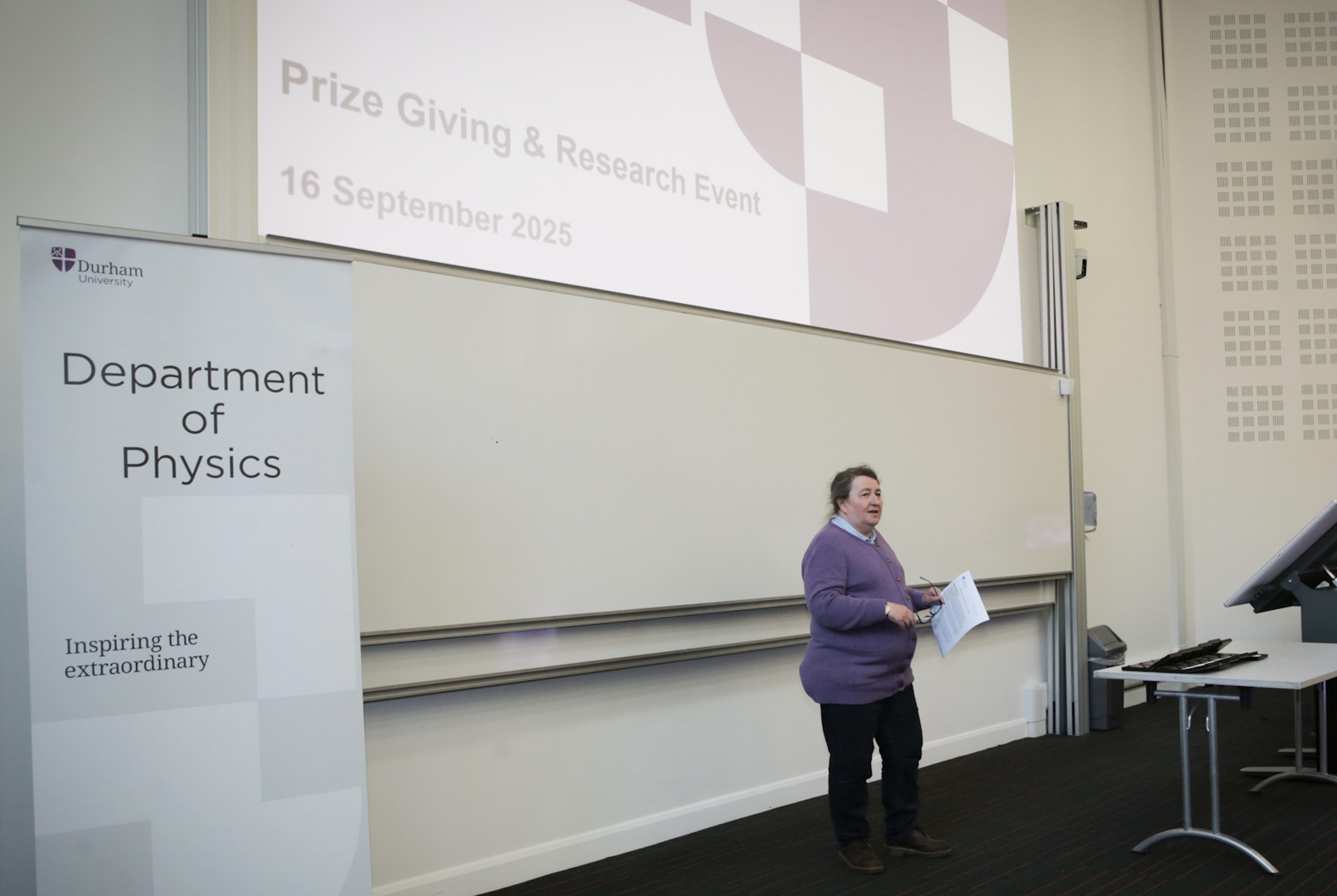
The 2025 Physics Awards for Excellence
The Physics Department's 2025 Awards for Excellence event took place on 16th September in PH8. The event featured a series of science talks, designed to be accessible and engaging for all members of the Department, followed by the presentation of this year's awards.Durham news/prod01/prodbucket01/media/durham-university/departments-/physics/news-images/PaulaPrizes.jpg)
-
Polish national honour for Physics Professor
The President of Poland has presented Marek Szablewski, Professor of Physics at Durham University, with a prestigious national award for services to the Polish Scouting Association, which operates outside of Poland.Durham news/prod01/prodbucket01/media/durham-university/departments-/physics/news-images/Marek-Szablewski.png)
-
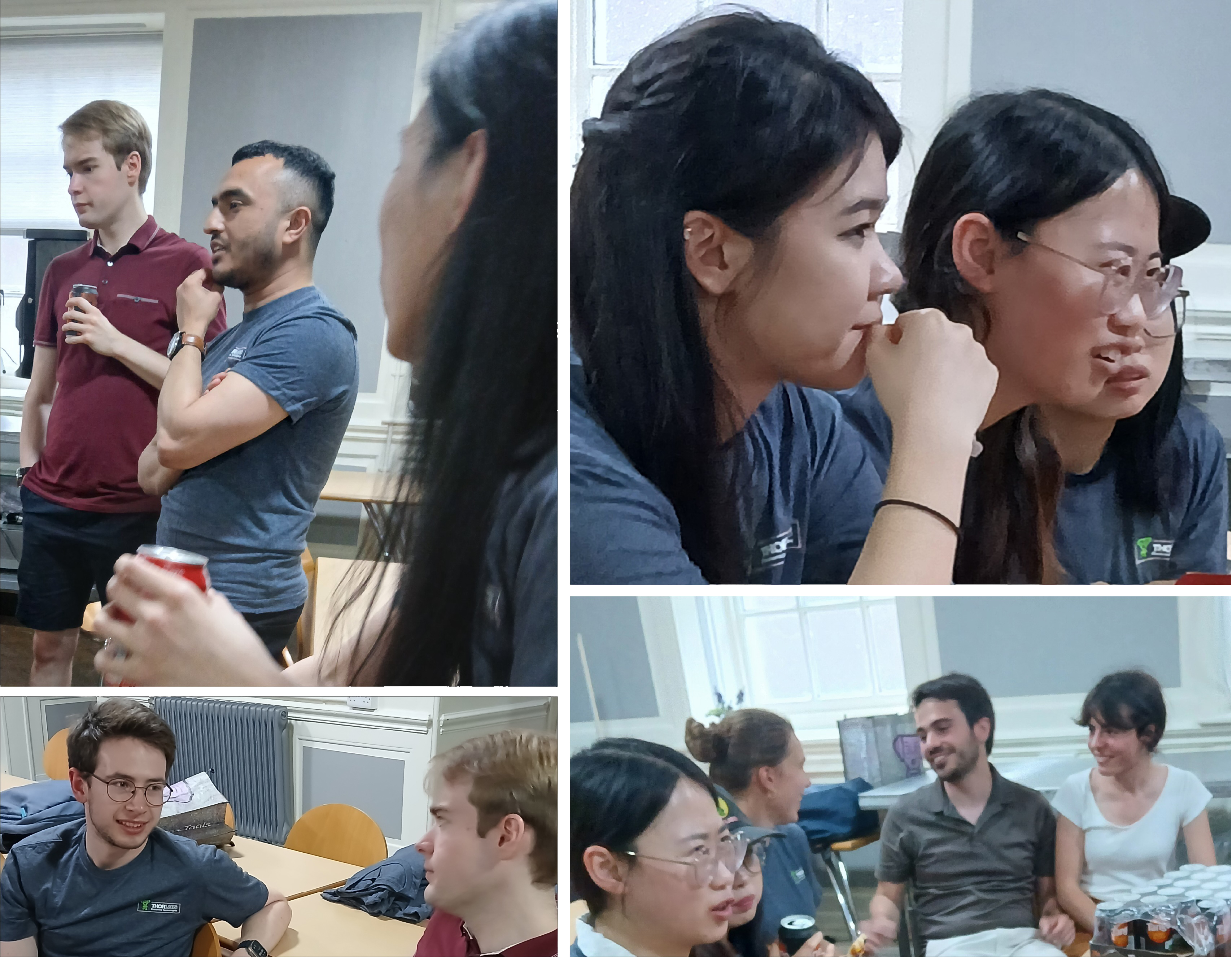
Celebrating Community, collaboration, and curiosity: STEM ECR Networking and Careers Event
On Friday 20 June, the Physics Department and St John’s College hosted a STEM ECR Networking and Careers Event, open to all science faculty students and staff, aimed at supporting researchers at this pivotal stage. Around 30 ECRs signed up for an informal evening of pizza, drinks, and cross-disciplinary conversation, bringing together participants from chemistry, physics, computer science, engineering, and more.Durham news/prod01/prodbucket01/media/durham-university/departments-/physics/news-images/Artboard-1.jpg)
The 2025 Physics Awards for Excellence
The Physics Department's 2025 Awards for Excellence event took place on 16th September in PH8. The event featured a series of science talks, designed to be accessible and engaging for all members of the Department, followed by the presentation of this year's awards.
Polish national honour for Physics Professor

Celebrating Community, collaboration, and curiosity: STEM ECR Networking and Careers Event
-
Scientists discover unexpected twist in cosmic wind speeds
An international team of scientists, led by Professor Chris Done of our Physics Department, has made a surprising discovery about powerful winds blasting from around a neutron star.Global research
-
Simulations solve centuries-old cosmic puzzle – and reveal new class of ancient star systems
Astronomers have solved a centuries-old puzzle surrounding one of the Universe’s oldest and densest star systems.Global research
-
DESI team wins prestigious 2026 Berkeley Prize
The Dark Energy Spectroscopic Instrument (DESI) collaboration has been awarded the 2026 Lancelot M. Berkeley–New York Community Trust Prize for Meritorious Work in Astronomy.Global research
Scientists discover unexpected twist in cosmic wind speeds
An international team of scientists, led by Professor Chris Done of our Physics Department, has made a surprising discovery about powerful winds blasting from around a neutron star.
Simulations solve centuries-old cosmic puzzle – and reveal new class of ancient star systems
DESI team wins prestigious 2026 Berkeley Prize
-
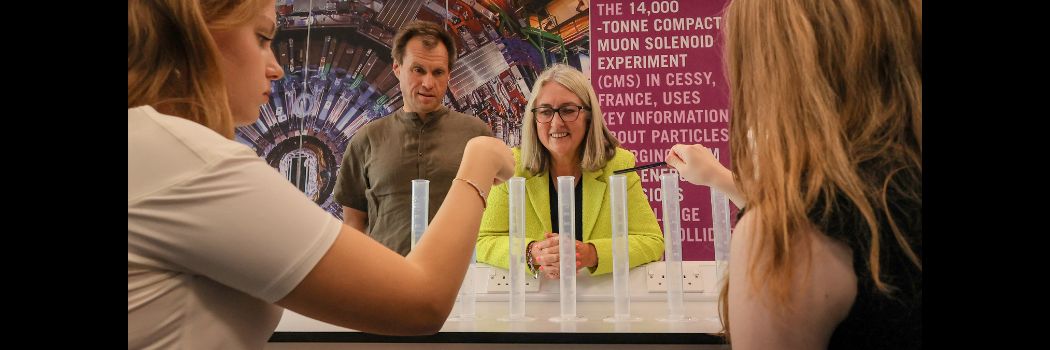
Government Minister visits Ukraine summer camp
The UK’s Higher Education Minister has visited our campus to show her support for an education and recreation summer camp for Ukrainian young people.Equality, Diversity, and Inclusion/prod01/prodbucket01/media/durham-university/central-news-and-events-images/Minister-visit-web.jpg)
-
Condensed Matter Physics Research Section came together for an Away Day
The whole Condensed Matter Physics research section (CMP) in Physics at Durham came together for an Away Day at Ushaw House for training and development activities to strengthen our research capabilities and support career progression.Equality, Diversity, and Inclusion/prod01/prodbucket01/media/durham-university/departments-/physics/news-images/CMP-News-Image.jpg)
-
Celebrating the next generation of North East Physicists
Physics students’ success from across the region has been celebrated at the recent School Physicist of the Year (SPotY) awards.Equality, Diversity, and Inclusion/prod01/prodbucket01/media/durham-university/young-physicists---Website-news-article-image-(1050-x-350px)-(1).png)
Government Minister visits Ukraine summer camp
The UK’s Higher Education Minister has visited our campus to show her support for an education and recreation summer camp for Ukrainian young people.
Condensed Matter Physics Research Section came together for an Away Day
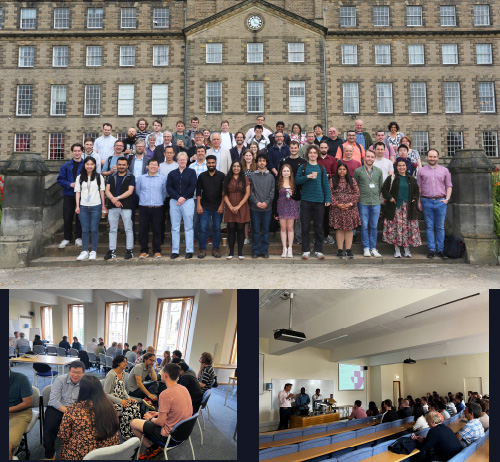
Celebrating the next generation of North East Physicists
-(1).png)
Study with us
-
Undergraduate study
Find out more about our BSc and MPhys courses.

-
Postgraduate study
Discover more about our taught courses and research degrees.
/prod01/prodbucket01/media/durham-university/departments-/physics/teaching-labs/IMG_1095.jpg)
/prod01/prodbucket01/media/durham-university/departments-/physics/postgraduates/000583826-ECR-01-3424X2714.JPG)
Undergraduate study
Find out more about our BSc and MPhys courses.
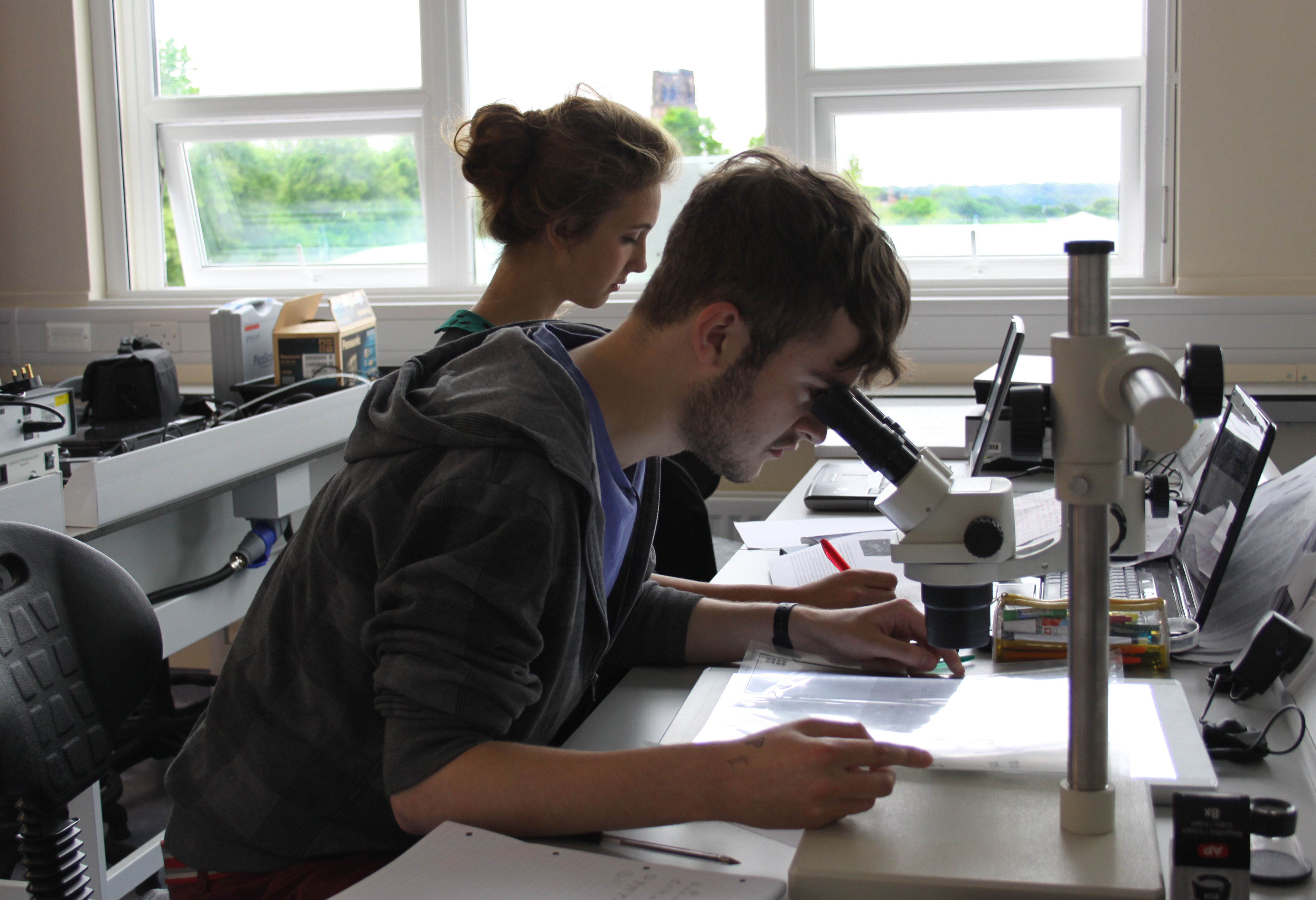
Postgraduate study
Discover more about our taught courses and research degrees.
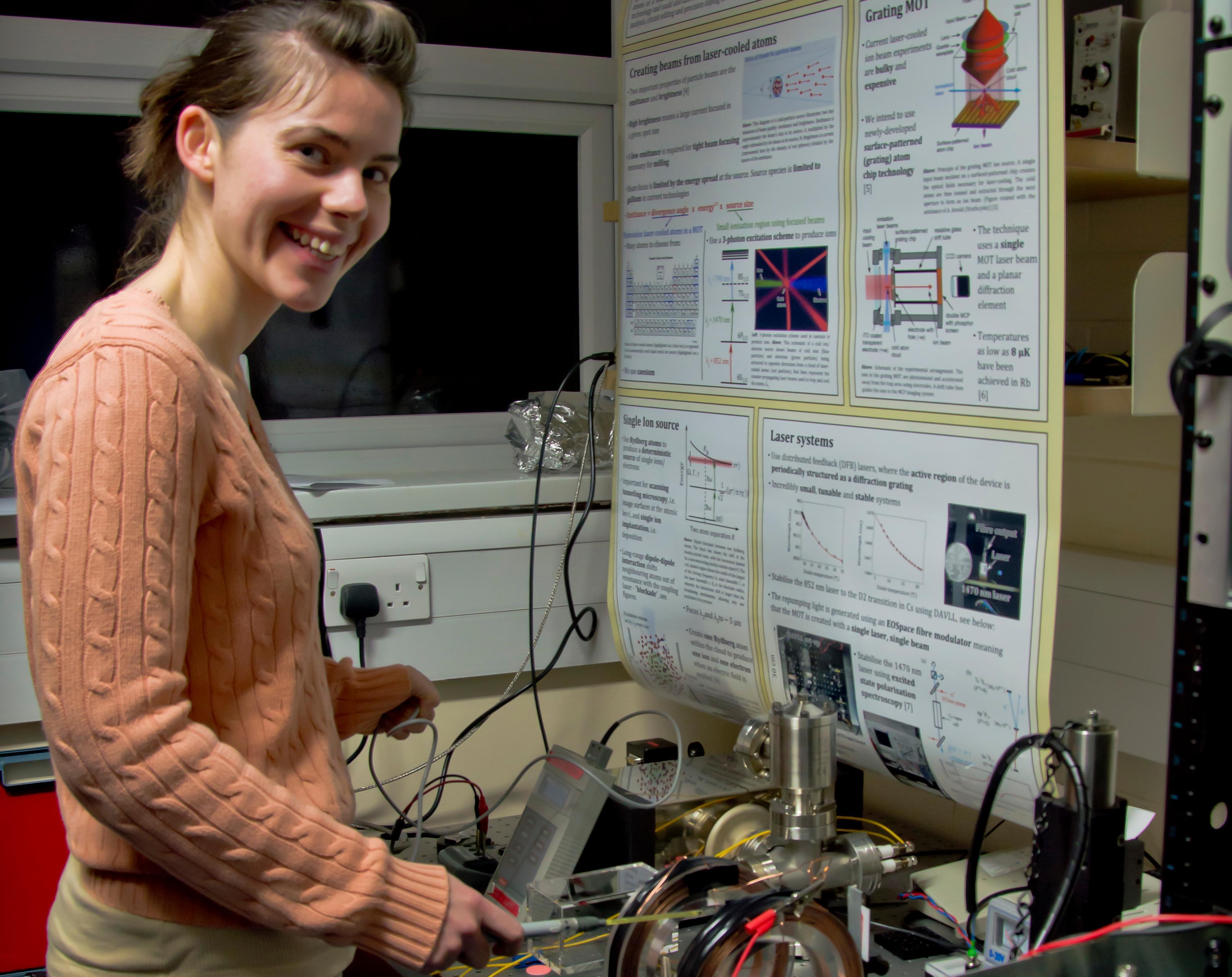
Our research
We are one of the top Physics Departments in the UK for research, as recognised in repeated assessments and league tables.
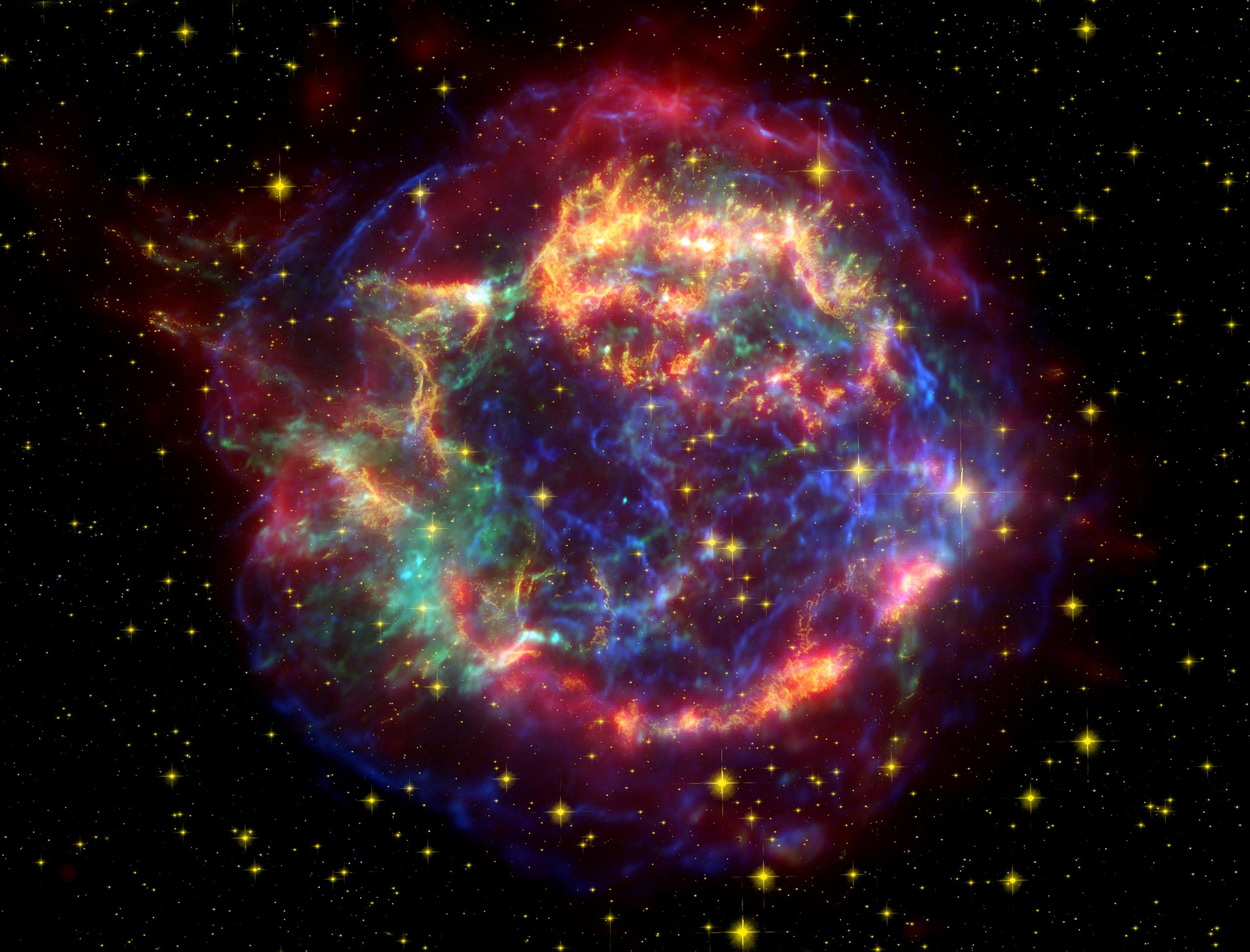
Our history
2024 marked 100 years of the Department of Science in Durham University, years that have seen the service of thirteen different Heads of Physics, hundreds of staff and thousands of students. To celebrate this milestone, you can now discover the history of Physics at Durham through the centuries.
From Temple Chevallier to the researchers of today, scroll through our timeline and meet some of the key figures from our history. Watch as some of our most influential academics from past and present talk about their experiences of Durham through the years. Learn about the buildings that have shaped our history, from the creation of the Observatory in the 1800s to the first dedicated building for Physics in the late 1950s, to our major investment in Astronomy going forward.
/prod01/prodbucket01/media/durham-university/departments-/physics/equality-and-diversity/Royal-Society-Flags-Group.jpeg)

Look Closer at the Faculty of Science
Whether it’s our world-leading research that seeks to empower and inspire, our commitment to educational excellence across eight academic departments, or our focus on the next generation of scientists through our ground breaking science outreach and engagement. We push forward, break down barriers, asking the big questions and getting answers. Watch our short video to find out why there’s more to science at Durham than meets the eye.
/prod01/prodbucket01/media/durham-university/departments-/physics/equality-and-diversity/Royal-Society-Flags-Group.jpeg)
/prod01/prodbucket01/media/durham-university/departments-/physics/staff/VT2A9495-2826X2018.jpeg)
/prod01/prodbucket01/media/durham-university/departments-/physics/telescopes/21AprilC.jpg)
/prod01/prodbucket01/media/durham-university/departments-/physics/buildings/Studio-Libeskind_The-Ogden-Centre_Durham-University_-%C3%82Hufton-Crow_026-3429X2337.jpg)
/prod01/prodbucket01/media/durham-university/departments-/physics/buildings/Ogden.jpg)
Open Days & Visits
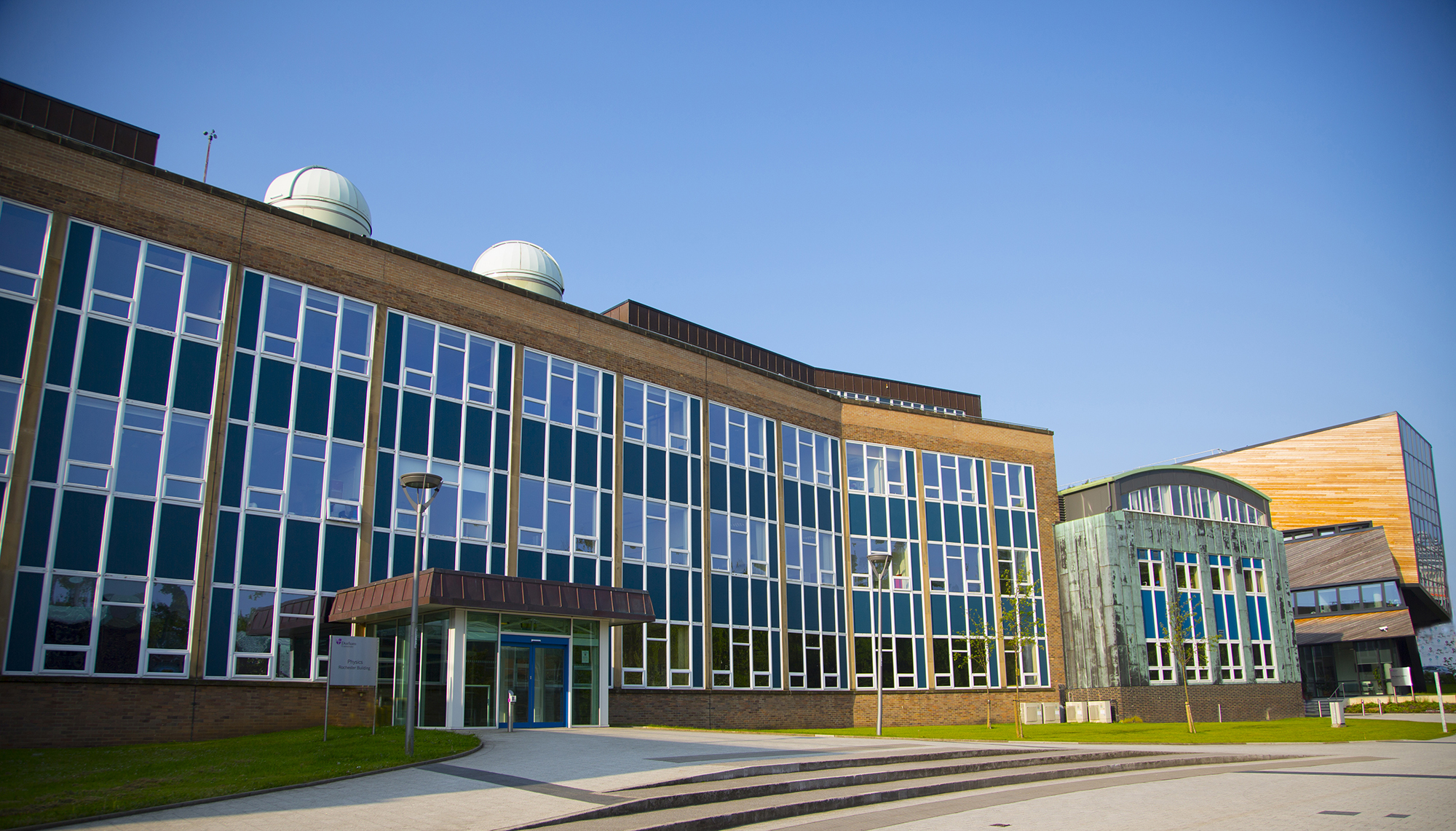
We can offer personal tours of the Physics Department by arrangement, in addition to the University’s standard open day offerings. to discuss a department tour, please see ‘Arrange a personal tour’ below.
Experience Durham by arranging a personal tour
Arrange to have a personal tour of our department buildings and facilities, meet departmental staff and get a feel for what it would be like to study here.


Student updates
-
What it's been like studying Physics
3rd year Physics student Jack reflects on his studies during the pandemic
-
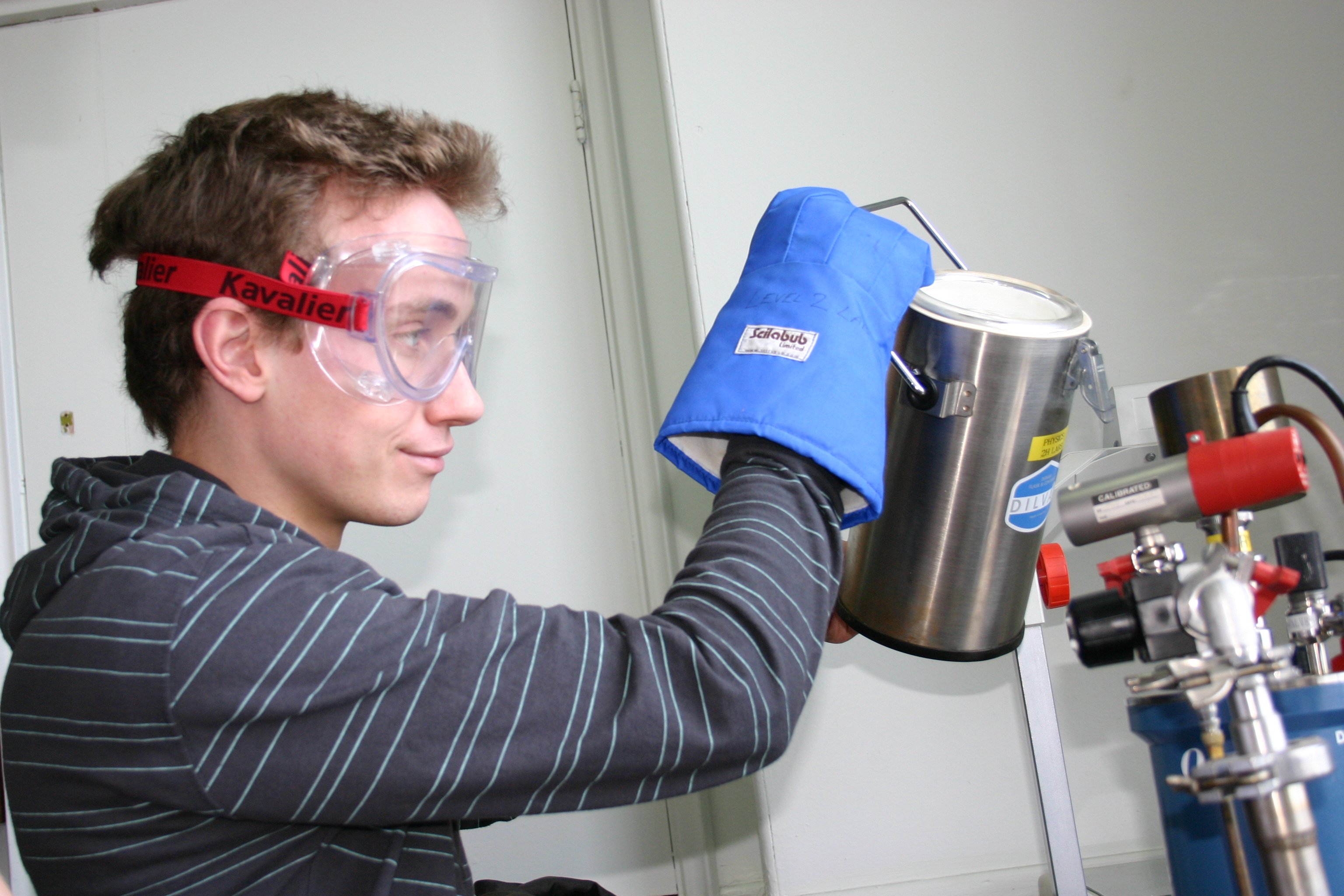
Day in the life of a 3rd year Physics student: My Industrial Project
Physics student Gabriel tells us about his Team Project module at Durham
/prod01/prodbucket01/media/durham-university/departments-/physics/buildings/PhysicsBuilding.jpg)
/prod01/prodbucket01/media/durham-university/departments-/physics/teaching-labs/IMG_3659.jpeg)
What it's been like studying Physics
3rd year Physics student Jack reflects on his studies during the pandemic
Day in the life of a 3rd year Physics student: My Industrial Project
Physics student Gabriel tells us about his Team Project module at Durham
Get in touch
Contact us to find out more about our department.
Department of Physics
Durham University
Lower Mountjoy
South Road
Durham
DH1 3LE
United Kingdom
Questions about studying here?
Check out our list of FAQs or submit an enquiry form.
Your Durham prospectus
Order your personalised prospectus and College guide here.