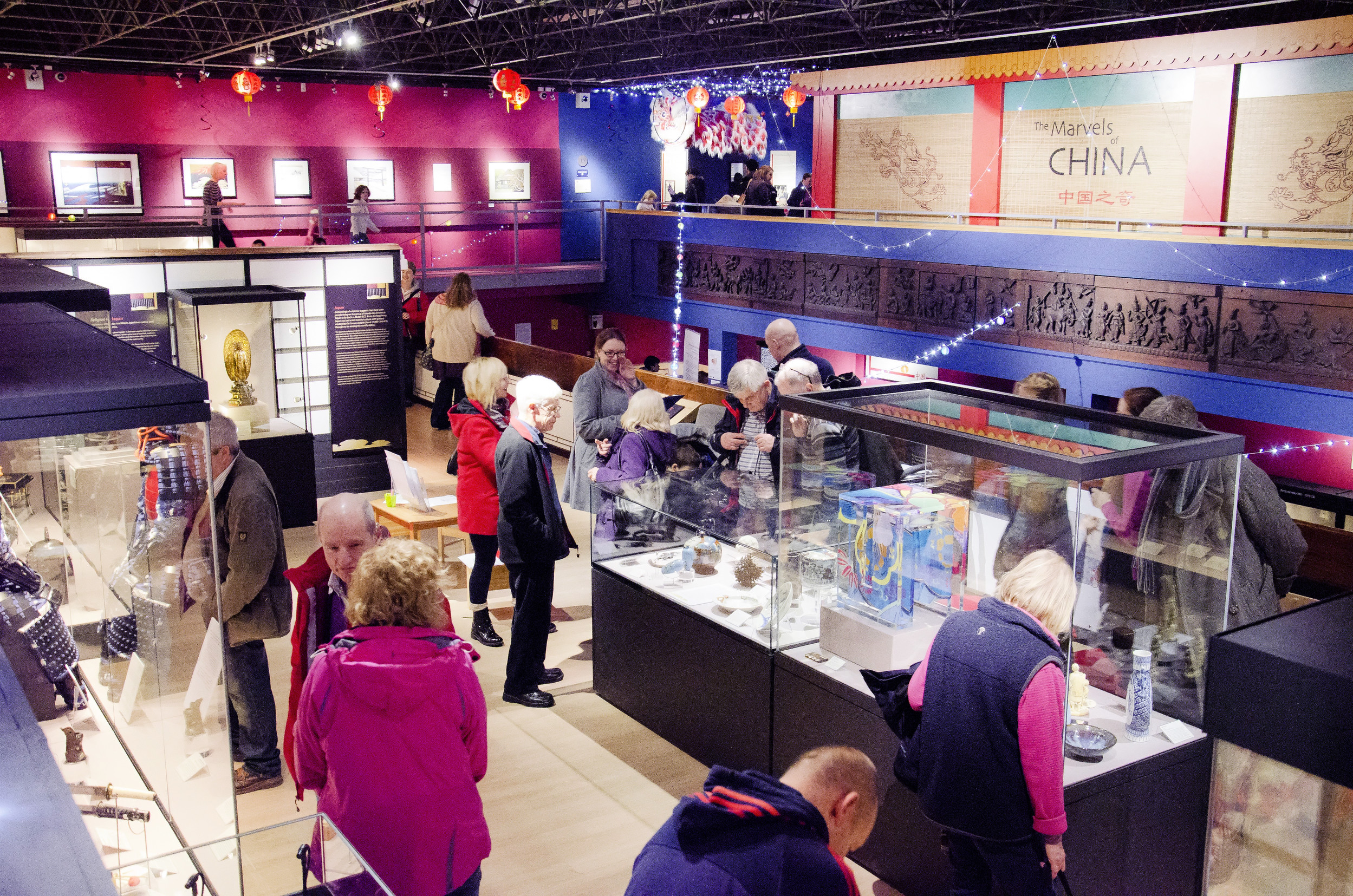
Library and Collections
/prod01/prodbucket01/media/training/BBL6-3492X1127.jpg)
Welcome to Durham University Library and Collections
Amazing resources and fantastic spaces
Our supportive staff are here to make sure you get the most out of our libraries and collections at Durham.
Library Support and Information
/prod01/prodbucket01/media/durham-university/library-/Using-the-library.jpg)
Using the Library
/prod01/prodbucket01/media/durham-university/library-/bill-bryson-library-/83547-1.jpg)
Museums and Galleries
/prod01/prodbucket01/media/durham-university/library-/museums-and-galleries/DC_Perman_3-(1).JPG)
Archives and Special Collections
/prod01/prodbucket01/media/durham-university/library-/museums-and-galleries/Archives-and-Special-collections.jpg)
Library sites
We have four library and study space sites within our department. In Durham city you'll find Bill Bryson Library, Barker Research Library at Palace Green and study spaces on Level 2 of the Teaching and Learning Centre. At Queen's Campus, Stockton, you'll find the ISC Library.
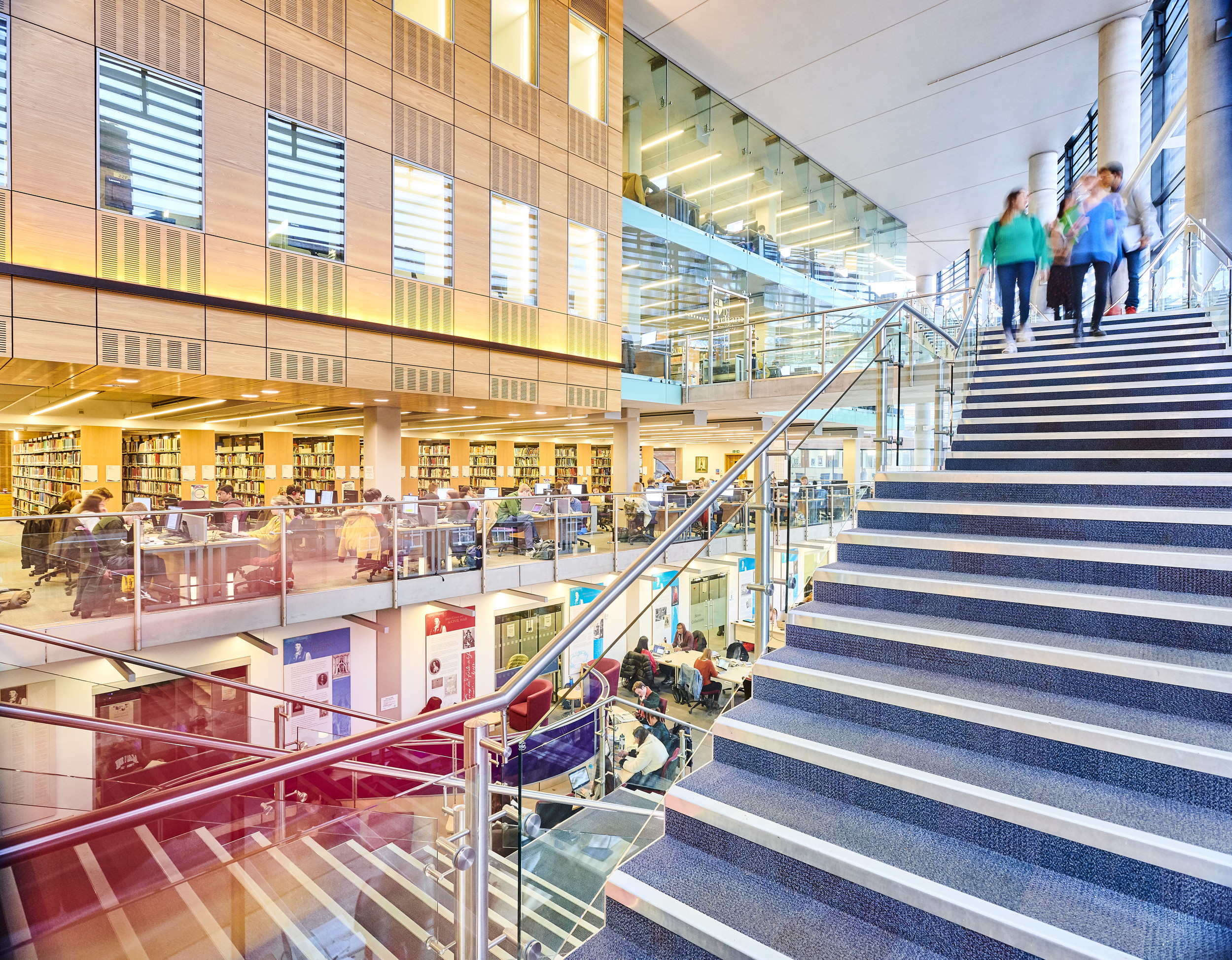
Bill Bryson Library
Bill Bryson Library (often referred to as the Billy B) is our main University Library, and you will find a fantastic range of resources to support your studies. Visit our guide for further information and opening times.
Durham University Library
Stockton Road
DURHAM
DH1 3LY
United Kingdom
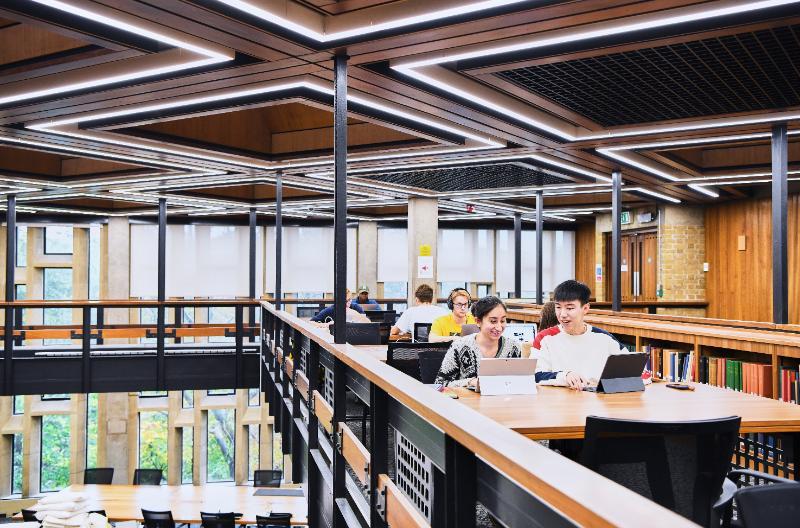
Barker Research Library at Palace Green
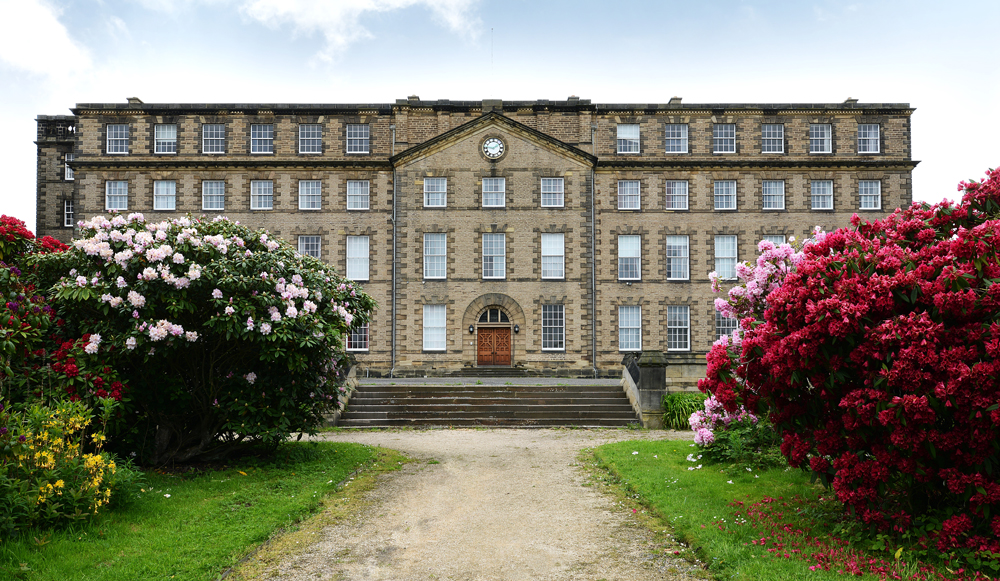
Our Archives and Special Collections are held within Barker Research Library, located in the historic Palace Green Library, and a peaceful place to study and work. Visit our guide for further information or use our online enquiry form.
Barker Research Library
Palace Green Library
Palace Green
Durham
DH1 3RN
United Kingdom
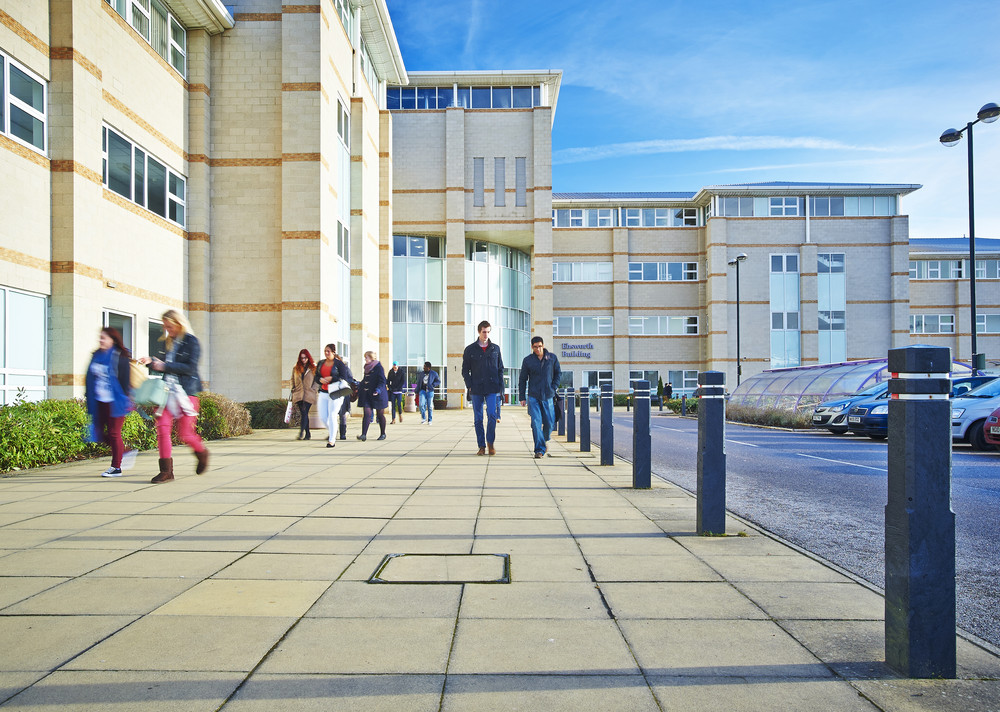
International Study Centre Library
The International Study Centre (ISC) Library is for use by ISC students and staff at Queen's Campus, Stockton and can be found on level 2 of the Ebsworth Building. Visit our guide for further information.
ISC Library
Queen's Campus, Stockton
University Boulevard
Thornaby
Stockton-on-Tees
TS17 6BH
United Kingdom
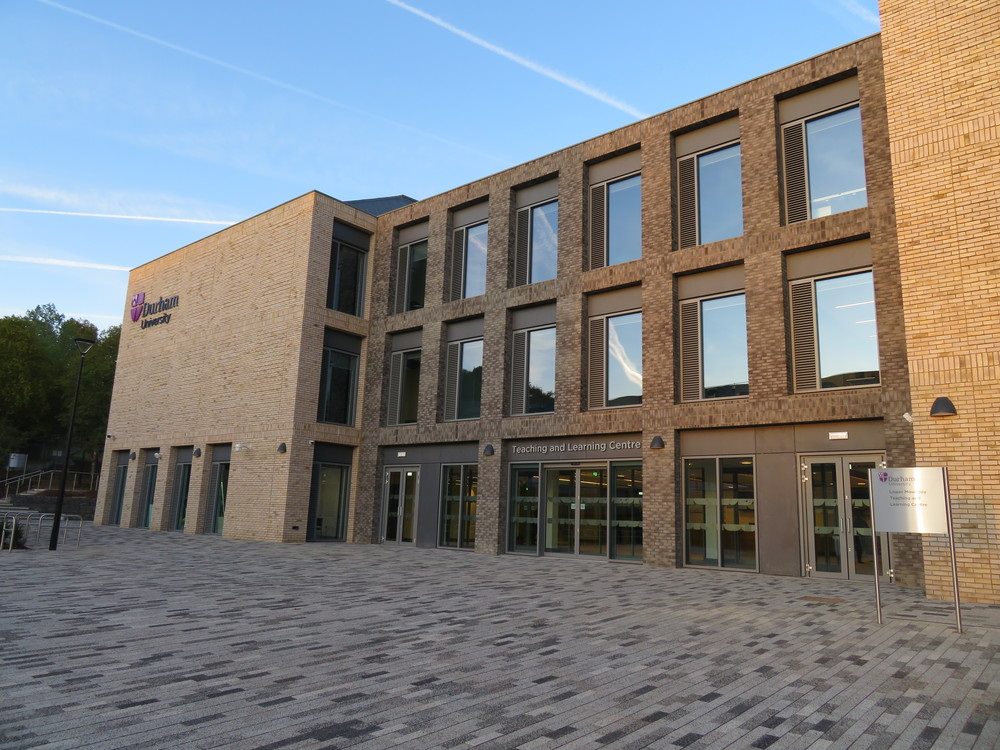
Teaching and Learning Centre
The Teaching and Learning Centre (TLC) is a short distance from the Bill Bryson Library and provides space for independent study. Visit our guide for further information and opening times.
Teaching and Learning Centre
South Road
Durham
DH1 3LS
United Kingdom
Explore our libraries, museums, and galleries
-
Visit Us
Find out how to visit our Libraries, Museums and Collections sites.

-
Partner Libraries
Find out more about our two partner libraries, Durham Cathedral Library and Ushaw College Library.
/prod01/prodbucket01/media/durham-university/library-/about-us/general-view-of-OM.jpg)
/prod01/prodbucket01/media/durham-university/library-/archives-and-special-collections/external-resources-and-collections/partner_libraries_ushaw_college.jpg)
Visit Us
Find out how to visit our Libraries, Museums and Collections sites.

Partner Libraries
Find out more about our two partner libraries, Durham Cathedral Library and Ushaw College Library.
Explore our latest news and events
-
Latest News
Keep up to date with our latest news and additions to our collections.
-
Our Events
Search our events calendar, we offer a diverse range of activities and exhibitions.
/prod01/prodbucket01/media/durham-university/library-/ULC-homepage-visit-us-Barker-Research-800X528.jpg)
/prod01/prodbucket01/media/durham-university/attractions-/oriental-museum-/53681.jpg)
Latest News
Keep up to date with our latest news and additions to our collections.
Our Events
Search our events calendar, we offer a diverse range of activities and exhibitions.